Learnings
In the following paragraphs, learnings from examining other games are documented.
Autoload Nodes
For global states, like which levels are completed, autoloaded nodes can be used.
In Project > Project Settings > AutoLoad scripts which inherit from Node can be chosen.
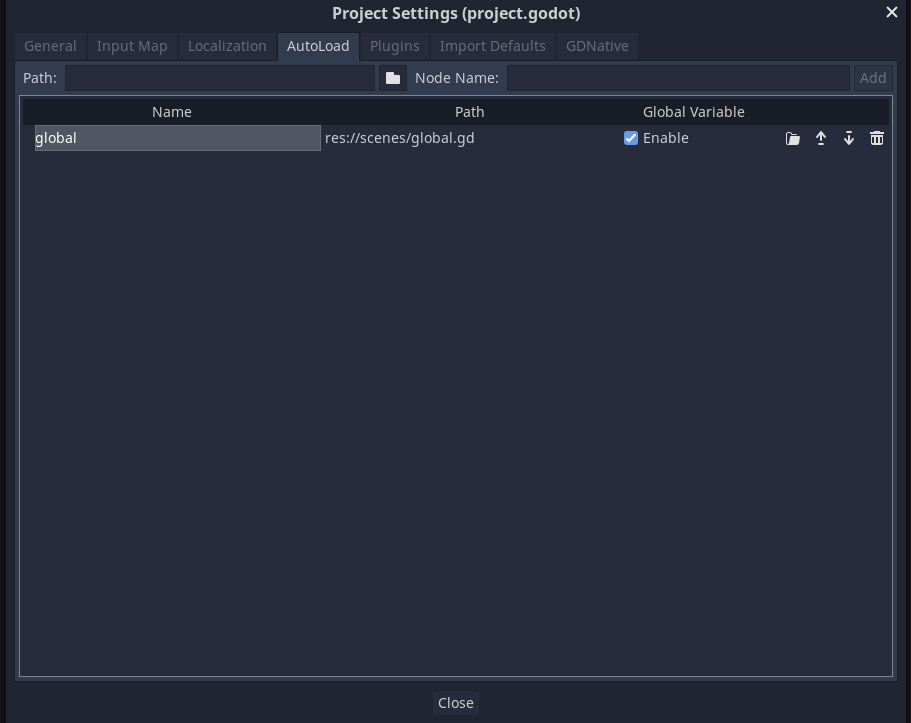
These scripts are loaded by Godot when starting the game and are available during while the game is running.
In C# the autoloaded node can be accessed with GetNode<Type>("/root/<name>"), like every other node in the root of the scene tree.
An autoloaded node can dispatch signals and function as a global dispatcher. This can get quickly unwieldy when the application and the amount of signal grows. However, for actual global signals, this can be a clean solution
Custom Resource Types
A custom resource type can be created by inheriting from Resource. The resulting class can be set and edited in the Godot inspector.
However, there is currently a C# limitation that a resource class can't be registered.
As a workaround, a new *.tres file (Right-Click in FileSystem > New Resource...) of the type Resource can be created.
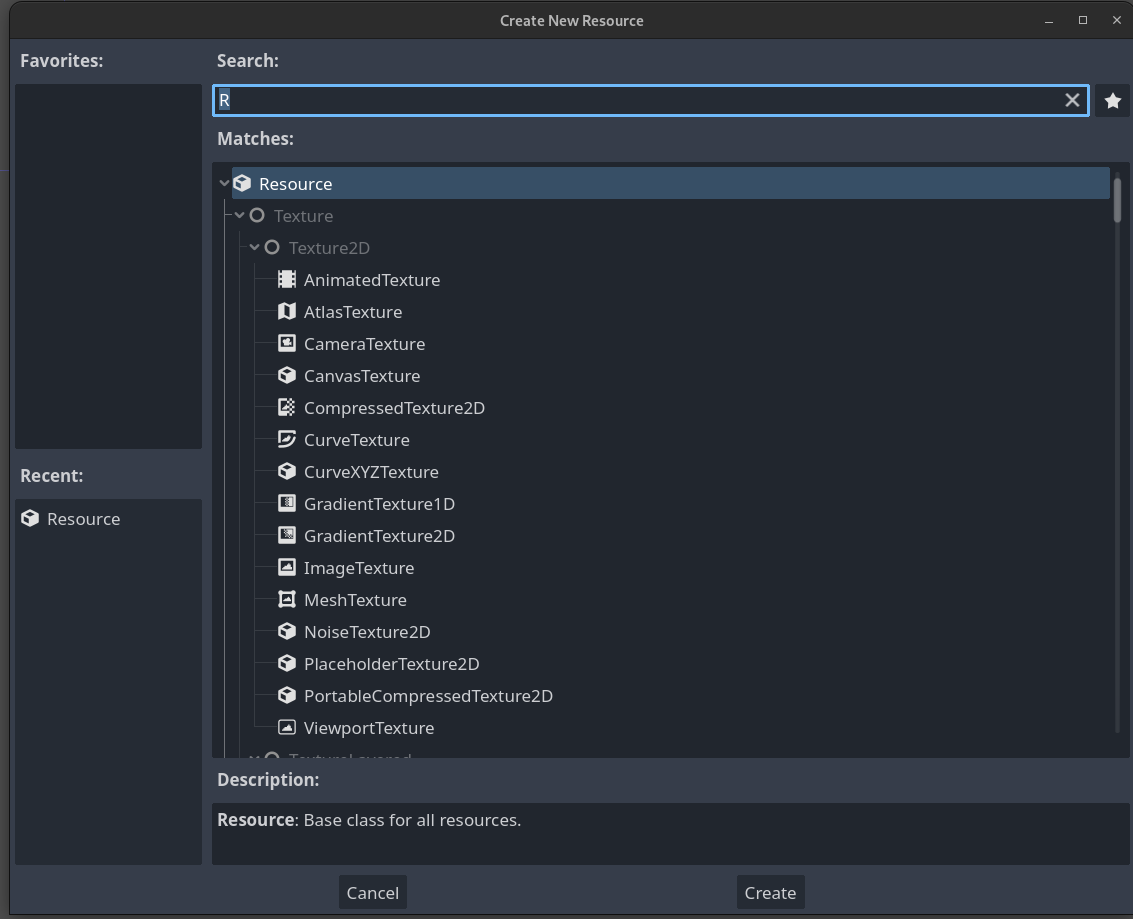 Then the custom resource script can be attached to the newly created
 *.tres file.
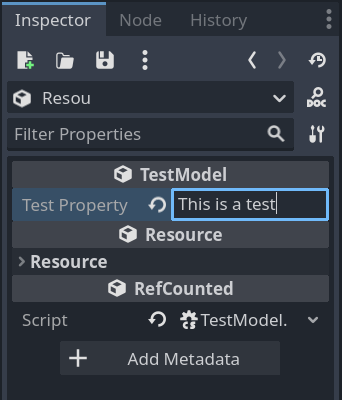
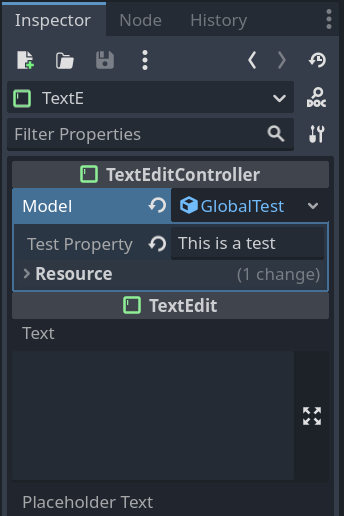
The resource file can be edited in the inspector and set to exported properties. The object of the *.tres file is global. If a script references a *.tres file and updates a property, other script will see this change. This makes it an alternative to autoload nodes.
Dependency Injection
When developing UIs, the controller is often split up into multiple “sub-controller” which control part of the UI. The sub-controllers still need access to the model instance.
This can be archived with the built into Godot's dependency injection. Firstly, create a new custom resource type and store it in a *.tres file. Secondly, export a model property in the sub-controller scripts and, finally, set the model property to the created *.tres file. For more details, see Custom Resource Types.
Tween
A Tween instance can interpolate a property of an object between two values.
Create new Node Instance
If programmatically new node instances are created, then it can be helpful to provide a static method. This method functions similarly to a constructor, adding the node to the scene tree and initializing variables if necessary.